Before ...
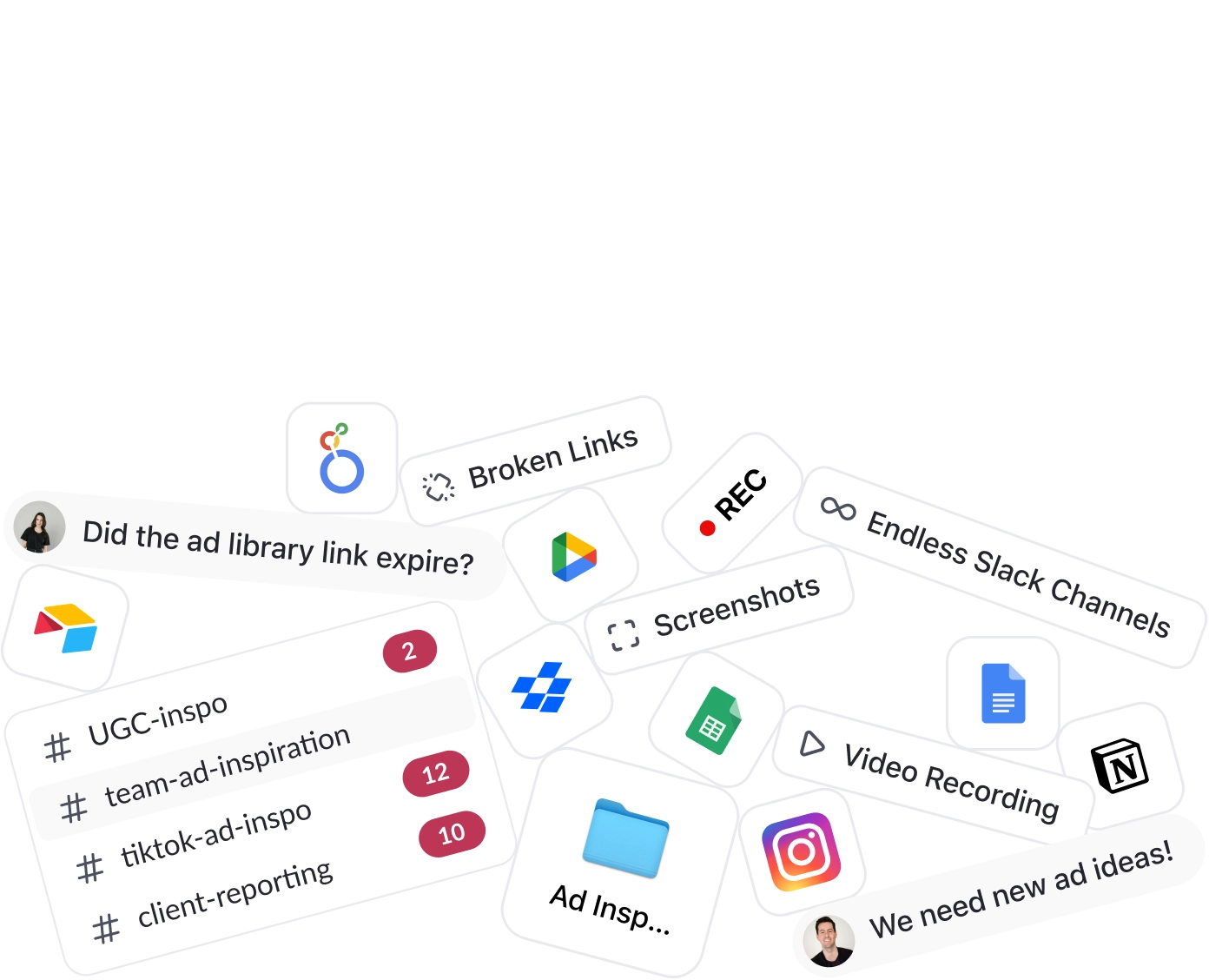
Group chats, expired links and screenshots.
Produce more winning ads at scale with a Smart Swipe File. Effortlessly Save, Organize, and Share ad inspiration.
Start free trial
The best marketers in history had a secret Swipe File in their arsenal. Adone lets you ditch the messy folders to save, organize and share advertising genius with a single click.

Core Features
Using the Chrome Extension, you can Save Ads from Facebook Ad Library, TikTok creative centre, TikTok Top Ads, LinkedIn, and more with a single click.

Free Chrome Extension
Swipe File comes with Adone's full suite of tools for creative analytics, research, competitor tracking and inspiration.
Delightfully all in one place.
Questions about saving, organizing, and sharing ads with Swipe File — reach out if you need a hand.
Sharing ad creative boards in Adone is simple. You can share boards or ads with anyone through public share links — even if they don’t have an Adone account.
If you’ve shared an ad from Meta’s Ad Library using the link in the top right, the ad can disappear after you send it. That usually happens when the brand stops the campaign or the ad ID changes. Saving to Swipe File keeps a lasting copy.
Instagram ads are part of the Meta ecosystem. Instagram ads can be viewed and saved through the Facebook Ad Library with the Adone Chrome extension.
Meta’s Ad Library is useful for competitor research and creative discovery. Pair it with Adone Swipe File to save ads forever, organize them, and share with your team in one click.
Start with Facebook Ad Library and TikTok Top Ads for discovery, then save winners into Adone Swipe File. Boards, tags, and share links turn scattered inspiration into a durable creative system.
Use Adone Discovery for a curated feed of winning creatives, then save keepers into Swipe File so your team can organize, tag, and reuse them.
A Swipe File is a collection of marketing and creative examples you keep for reference — hooks, layouts, offers, and formats that inspire your next ads.
You can save image, video, carousel, and DCO ads from Facebook, TikTok, and LinkedIn — including vertical, horizontal, and square aspect ratios.
Install the Adone Chrome extension, pin it to your toolbar, then use Save on LinkedIn ads. Saved creatives land in your Swipe File with organization and share tools.
Install the Adone Chrome extension, open Facebook Ad Library, and click Save. Ads are stored permanently in Swipe File with metadata and collaboration features.
Yes. Ads saved in Swipe File stay in your Adone account even if they’re taken down from the platform library. We also track whether an ad is still running and how long it’s been active.